
infisical.md 2.6 KB
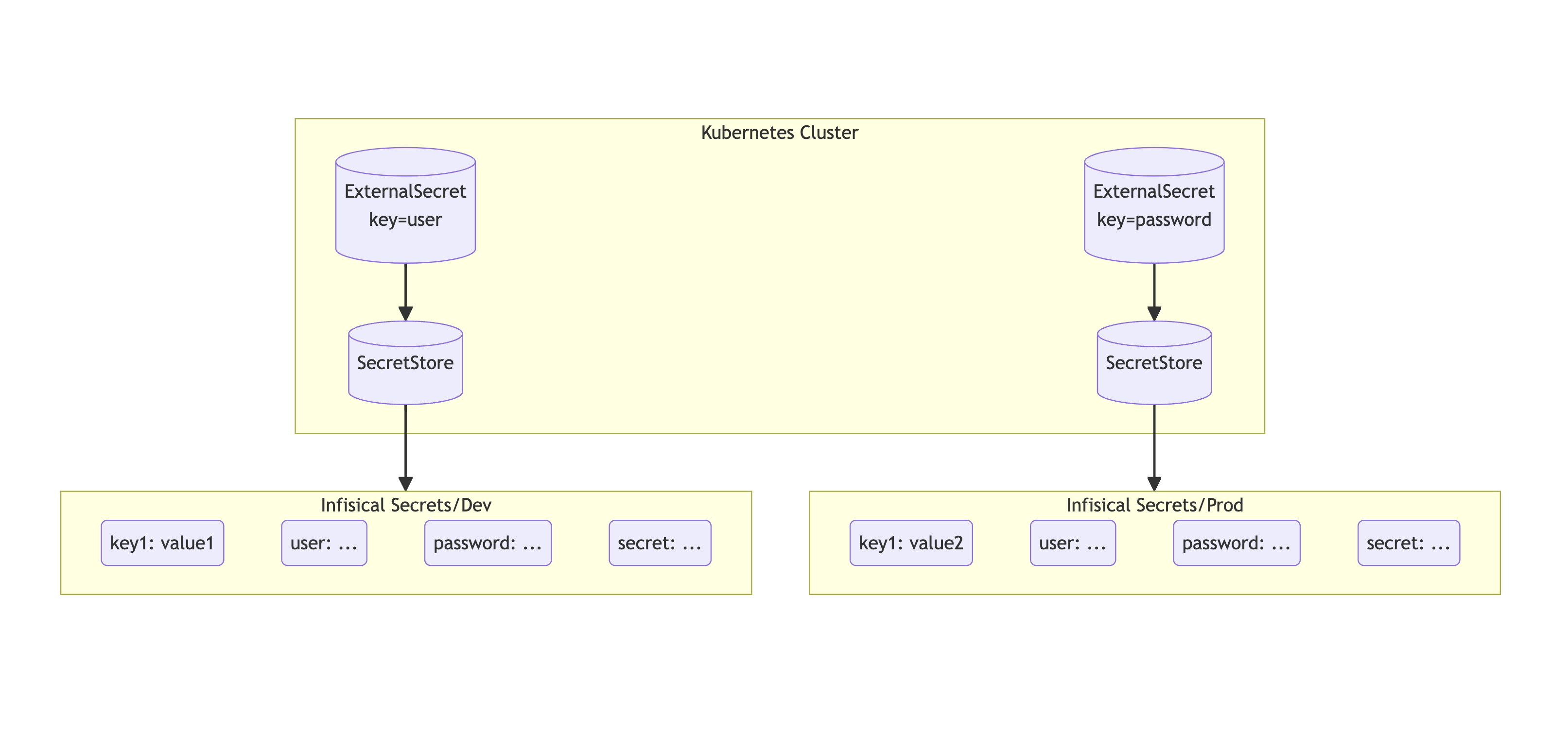
Sync secrets from Infisical to your Kubernetes cluster using External Secrets Operator.
Authentication
In order for the operator to fetch secrets from Infisical, it needs to first authenticate with Infisical.
To authenticate, you can use Universal Auth from Machine identities.
Follow the guide here to learn how to create and obtain a pair of Client Secret and Client ID.
!!! note inline end
Infisical requires `system:auth-delegator` for authentication. Please follow the [guide here](https://infisical.com/docs/documentation/platform/identities/kubernetes-auth#guide) to add the required role.
Storing Your Machine Identity Secrets
Once you have generated a pair of Client ID and Client Secret, you will need to store these credentials in your cluster as a Kubernetes secret.
!!! note inline end
Remember to replace with your own Machine Identity credentials.
apiVersion: v1
kind: Secret
metadata:
  name: universal-auth-credentials
type: Opaque

stringData:
  clientId: <machine identity client id>
  clientSecret: <machine identity client secret>
Secret Store
You will then need to create a generic SecretStore. An sample SecretStore has been is shown below.
!!! tip inline end
To get your project slug from Infisical, head over to the project settings and click the button `Copy Project Slug`.
{% include 'infisical-generic-secret-store.yaml' %}
!!! Note
For `ClusterSecretStore`, be sure to set `namespace` in `universalAuthCredentials.clientId` and `universalAuthCredentials.clientSecret`.
Fetching secrets
For the following examples, it assumes we have a secret structure in an Infisical project with the following structure:
/API_KEY
/DB_PASSWORD
/JSON_BLOB
/my-app
  /SERVICE_PASSWORD
  /ADMIN_PASSWORD
Where JSON_BLOB is a JSON string like {"key": "value"}.
Fetch Individual Secret(s)
To sync one or more secrets individually, use the following YAML:
{% include 'infisical-fetch-secret.yaml' %}
Fetch All Secrets
To sync all secrets from an Infisical , use the following YAML:
{% include 'infisical-fetch-all-secrets.yaml' %}
Filtering secrets
To filter secrets by path (path prefix) and name (regular expression).
{% include 'infisical-filtered-secrets.yaml' %}