
provider-ibm-secrets-manager.md 2.4 KB
IBM Cloud Secret Manager
External Secrets Operator integrates with IBM Secret Manager for secret management.
Authentication
At the moment, we only support API key authentication for this provider. To generate your key (for test purposes we are going to generate from your user), first got to your (Access IAM) page:
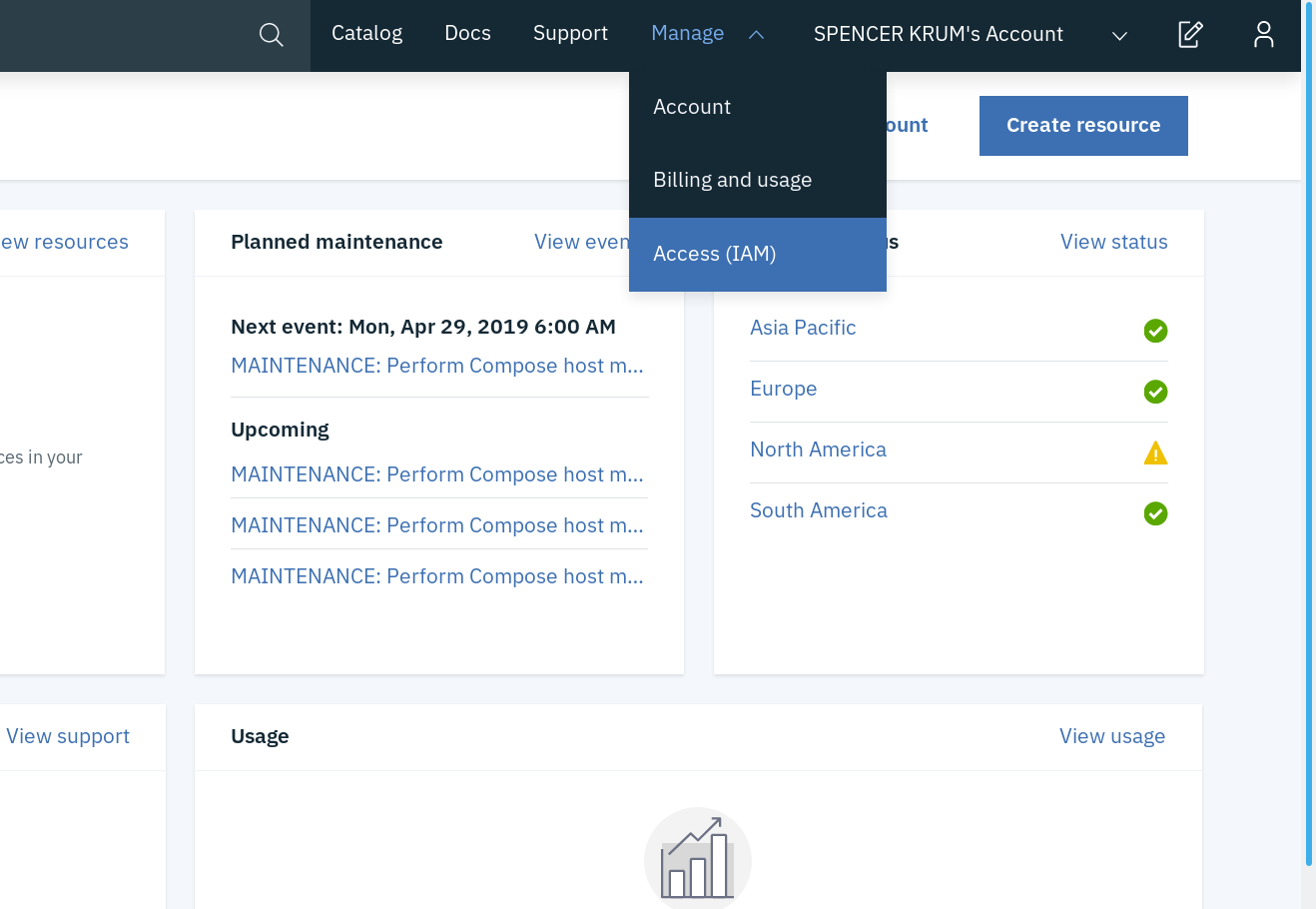
On the left, click "IBM Cloud API Keys":

Press "Create an IBM Cloud API Key":

Pick a name and description for your key:

You have created a key. Press the eyeball to show the key. Copy or save it because keys can't be displayed or downloaded twice.

API key secret
Create a secret containing your apiKey:
kubectl create secret generic ibm-secret --from-literal=apiKey='API_KEY_VALUE'
Update secret store
Be sure the ibm provider is listed in the Kind=SecretStore
{% include 'ibm-secret-store.yaml' %}
To find your serviceURL, under your Secrets Manager resource, go to "Endpoints" on the left:

Creating the secret inside the provider
For now we only support secrets of type arbitrary. So you need to go to your Secrets Manager UI and, click 'Add Secret', and then choose 'Other Secret Type'. You can now enter your value as text or as a file. This will be the value synchronized with the secret directly.
Other types of secret
!!! note "Not implemented"
This is currently not yet implemented. See [#242](https://github.com/external-secrets/external-secrets/issues/242) for details. Feel free to contribute.
Creating external secret
To create a kubernetes secret from the IBM Secrets Manager, a Kind=ExternalSecret is needed.
{% include 'ibm-external-secret.yaml' %}
Currently we can only get the secret by its id and not its name, so something like 565287ce-578f-8d96-a746-9409d531fe2a.
Getting the Kubernetes secret
The operator will fetch the IBM Secret Manager secret and inject it as a Kind=Secret
kubectl get secret secret-to-be-created -n <namespace> | -o jsonpath='{.data.test}' | base64 -d