
 Darren Hinde
93b9bbc1a6
Update README.md
Darren Hinde
93b9bbc1a6
Update README.md
|
5 months ago | |
|---|---|---|
| .github | 7 months ago | |
| .opencode | 5 months ago | |
| assets | 6 months ago | |
| .gitignore | 7 months ago | |
| README.md | 5 months ago | |
| env.example | 6 months ago |
README.md
OpenCode Agents
A set of OpenCode configurations, prompts, agents, and plugins for enhanced development workflows.
Features
- 🤖 Task-focused agents for planning, implementation, review, and testing
- 📱 Telegram integration for idle session notifications
- 🛡️ Security-first approach with configurable permissions
- 📚 Comprehensive documentation and examples
Quick Start
1. Install OpenCode CLI
Follow the official OpenCode documentation to install the CLI.
2. Setup Telegram Notifications (Optional)
Get notified when your OpenCode sessions become idle:
# Copy the example environment file
cp env.example .env

# Edit .env with your Telegram bot credentials
# Get bot token from @BotFather on Telegram
# Get chat ID by messaging your bot and checking the API
3. Start Using Agents
# Start a planning session
opencode --agent plan-project

# Run a specific task
opencode run --agent mastra "Implement database schema"
Agents
See .opencode/AGENT-SYSTEM-BLUEPRINT.md for detailed information about available agents:
- plan-project: Roadmaps, milestones, ADRs, risk register
- plan-analyse: Repo survey, external research, dependency mapping
- mastra: Implementation for ingestion, embeddings, LanceDB, retrieval
- review: Code review with targeted feedback
- documentation: Documentation updates and examples
- write-test: Unit/integration tests and mocks
Plugins
Telegram Bot (Simple)
Single-file Telegram bot that sends notifications when OpenCode sessions become idle.
Features:
- 🕐 Configurable idle timeout (default: 5 minutes)
- 📱 Real-time notifications via Telegram
- 🔄 Session resume tracking
- 🛡️ Automatic .env file loading
- 📦 Single file, no dependencies
Quick Start:
# Run the bot
node .opencode/plugin/telegram-bot.js

# Run example usage
node .opencode/plugin/example-usage.js
See .opencode/plugin/README.md for detailed documentation.
Configuration
Environment Variables
Copy env.example to .env and configure your Telegram bot:
# Copy example file
cp env.example .env

# Edit .env with your credentials
TELEGRAM_BOT_TOKEN=your_bot_token_here
TELEGRAM_CHAT_ID=your_chat_id_here
TELEGRAM_ENABLED=true
Safety & Security
- Approval-first workflow: Each agent proposes a plan before execution
- Configurable permissions: Granular control over what agents can do
- Input sanitization: Protection against XSS and injection attacks
- Secure credential management: Environment variables for sensitive data
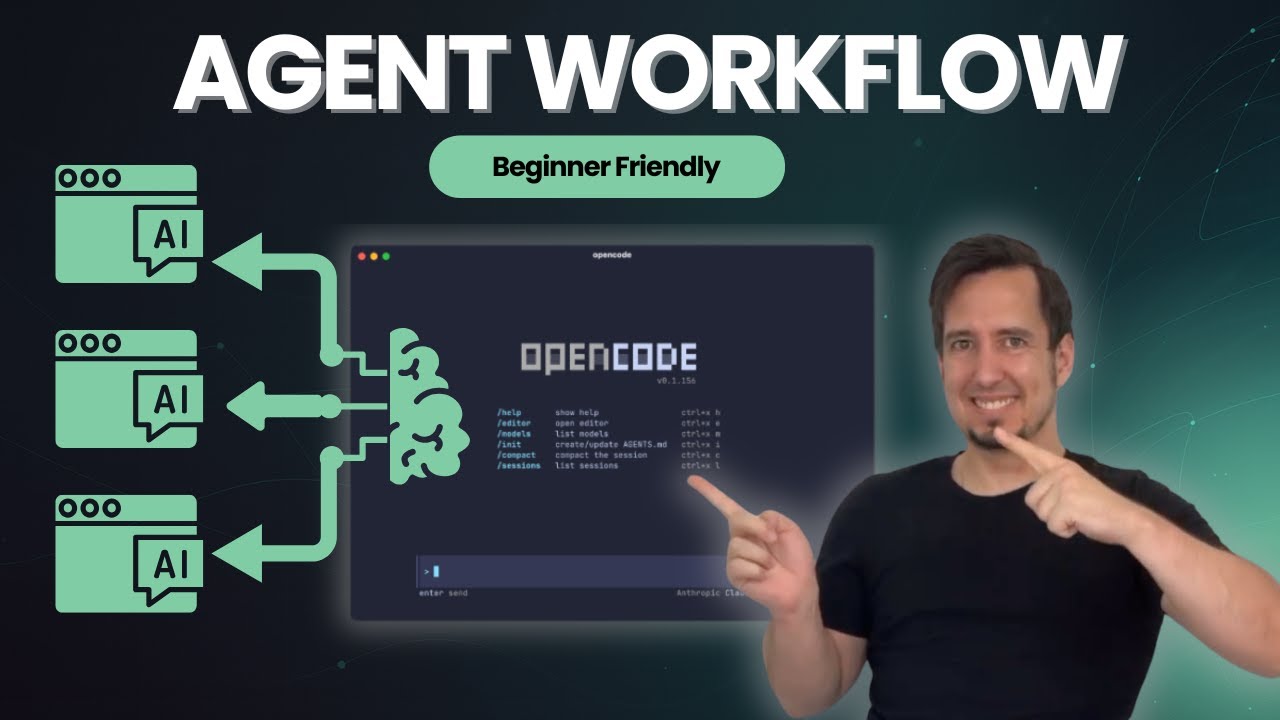
A video on how this works:
Contributing
- Follow the established naming conventions and coding standards
- Write comprehensive tests for new features
- Update documentation for any changes
- Ensure security best practices are followed
License
This project is licensed under the MIT License.